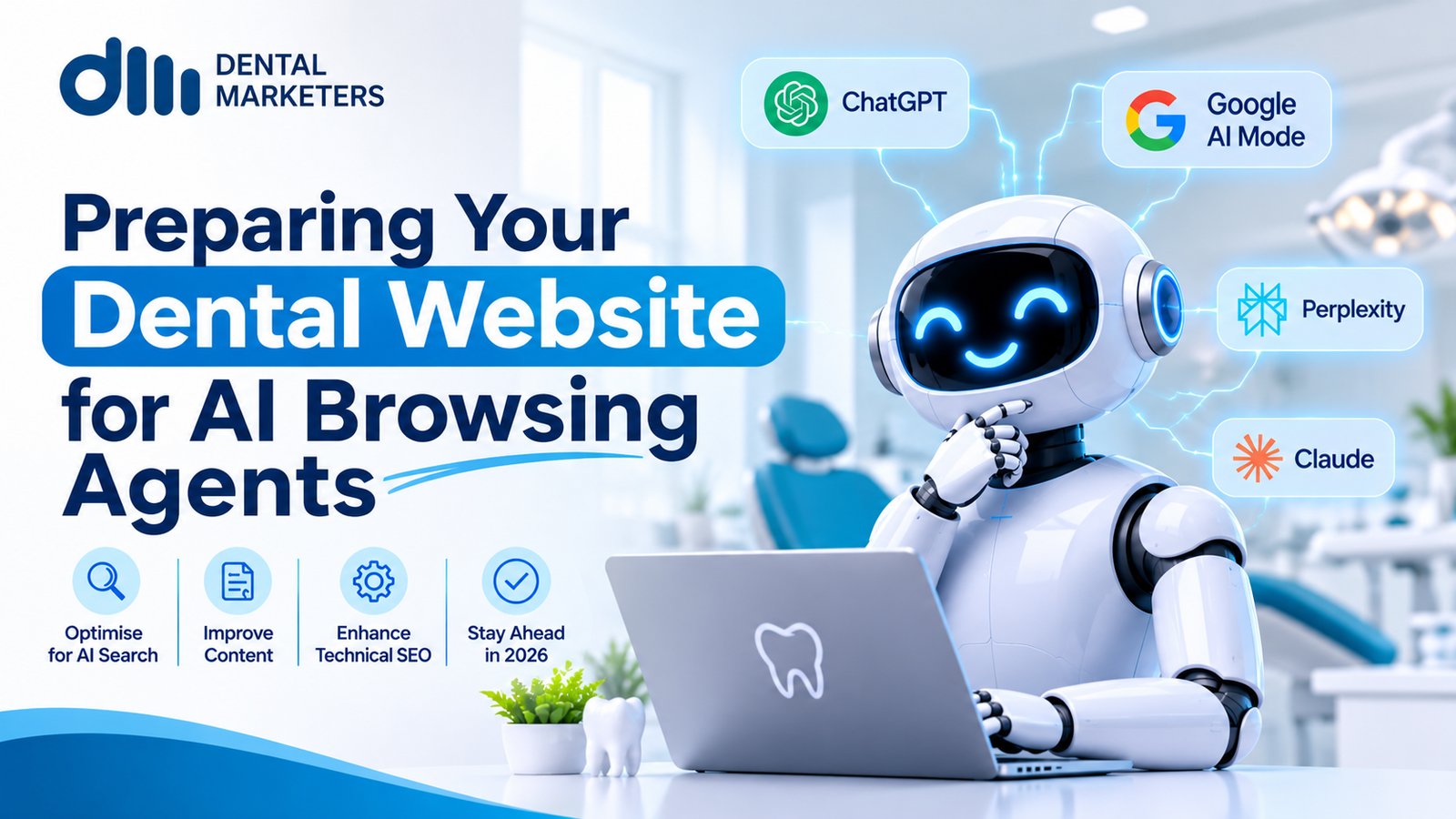
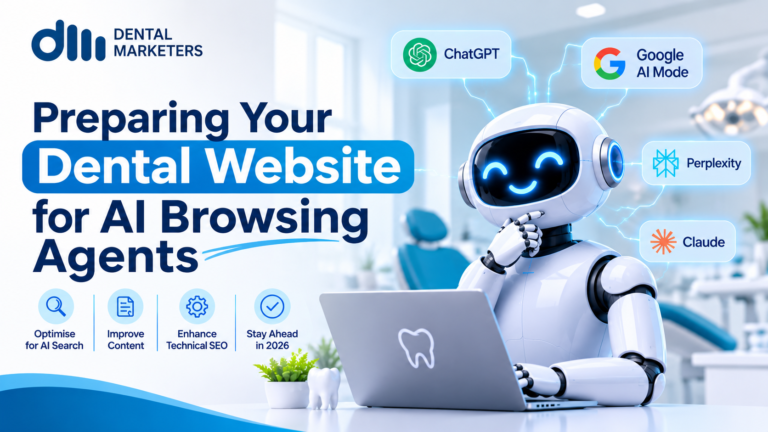
To prepare your dental website for AI browsing agents, make every page easy for a machine to read and use. Use real buttons, labelled forms, plain-text fees and opening hours, Dentist schema markup and a short online booking form. These same fixes also help human patients and improve accessibility.
AI tools no longer just answer questions. Now, they can visit your website and act for a patient, much like the AI booking agents and chatbots some practices already use. For example, they can compare fees, check opening hours and book a check-up. This guide shows UK dental practices how to get ready. In addition, it explains each step in plain English.
What Are AI Browsing Agents?
AI browsing agents are AI tools that open websites and finish tasks for a person. For instance, a patient might say, “Book me a hygiene visit near my office on Saturday.” The agent then reads your pages, fills in your forms and clicks your buttons for them.
How AI Browsing Agents Use Your Dental Website
What they are
Several big tech firms now offer browsing agents. The best-known examples include:
- ChatGPT agent from OpenAI
- Gemini in Chrome from Google, with its “auto browse” feature
- Comet, the AI browser from Perplexity
- Copilot Mode in Microsoft Edge
Each one works a little differently. However, they all try to do the same job. They read a page, decide what to click and then take action.
How they read your pages
Google’s web.dev guide, “Build agent-friendly websites”, says agents read a page in three main ways:
- Screenshots. First, a vision model looks at the page like a picture. Then, it spots buttons, menus and form fields.
- Page code. The agent also reads your HTML. So, messy code makes the page harder to use.
- The accessibility tree. This is the same map that screen readers use. As a result, good accessibility helps agents too.
Google also says that everything that makes a site agent-ready makes it better for people. In other words, you are not building a second website. Instead, you are improving the one you have.
Why it matters for UK dental practices
- Search is moving from “find” to “do”. Patients still search on Google. But more of them now ask an AI tool to finish the job for them.
- Stuck agents give up. If an agent cannot use your booking form, it may stop. Or it may suggest another option to the patient.
- Clear sites win the booking. When your fees, hours and services are easy to read, the agent can act with confidence.
- Trust matters more in healthcare. Patients share personal data when they book. So, your forms must be safe and clear.
A simple example
Picture a patient in Leeds who asks an agent to book a private hygiene visit for next Tuesday. On site one, the agent finds the fee in plain text. Next, it picks a time from a clear calendar. Then, it fills in four labelled fields and gets a confirmation. Job done.
On site two, the fee sits inside an image. Also, the booking button only appears when a mouse hovers over it. As a result, the agent cannot finish the task. So, the patient never becomes your patient.
Step-by-Step Guide: How to Make Your Dental Website Agent-Ready
Follow these ten steps in order. Most of them take only a few hours of work.
- Map your key patient journeys. First, list the tasks patients do most. For example, they book a check-up, find an emergency slot or check NHS and private fees. Then, test each task from start to finish.
- Use real buttons and links. Your developer should use proper <button> and <a> tags. Good web design for dentists builds this in from the start. Avoid fake buttons built from plain boxes. Agents often miss these, and so do screen readers.
- Label every form field. Give each box a clear, visible label, such as “First name” or “Preferred date”. Also, link each label to its field in the code. Never use grey hint text as the only label.
- Keep your layout stable. Pop-ups, chat windows and moving banners can block the page. So, keep cookie banners small. In addition, make sure pages do not jump around while they load. Our guide to Core Web Vitals for dental clinics explains how to check this.
- Put key facts in plain text. Write your prices, NHS charge bands, opening hours, address, parking and step-free access as normal text. Do not hide them inside images or PDFs. That way, both agents and patients can read them. If you are unsure, read our fees necessary on your dental website.
- Add Dentist schema markup. Schema is a small block of code that labels your facts for machines. Use the “Dentist” type to show your name, address, phone number, hours and services. Also, add “FAQPage” markup to your FAQ section.
- Make online booking simple. Show clear time slots and treatment names. Next, ask only for the details you need to book. Finally, show a clear confirmation message with the date, time and practice address. Learn more about online booking widgets for dental practices.
- Check what your security tools block. Some firewalls and bot blockers stop AI agents by default. So, review these settings with your web team. Google, for example, now lists a “Google-Agent” fetcher with its own user-agent name. You can then decide which agents to allow.
- Protect patient data. Health details are special category data under UK GDPR. Because of this, keep your first booking form short. See our GDPR guide for dental practices for the basics. Collect medical history later, through a secure form. Also, send every booking confirmation to the patient, so they can spot any mistakes.
- Test and track. Try booking with an AI agent yourself. In addition, run the newer agent checks in Google’s Lighthouse tool. Then, watch your analytics and booking system for agent visits. A proper GA4 and Google Tag Manager setup makes this easier. Repeat these tests every few months.
Benefits of an Agent-Ready Dental Website
- More completed bookings. Agents can finish the task instead of giving up halfway. This supports wider conversion rate optimisation.
- Better AI visibility. Clear facts and schema help AI tools quote your practice correctly, including in Google AI Overviews.
- Stronger accessibility. The same fixes help patients who use screen readers or keyboards.
- Fewer phone calls about basics. Patients and agents can find fees and hours on their own.
- Cleaner data. Labelled forms reduce typos and missing details in bookings.
- Better Google SEO. Fast, well-built pages also suit traditional dental SEO.
- Ready for what comes next. Your site will suit new standards like WebMCP.
Common Mistakes to Avoid
Many practice websites look good but still confuse AI agents. Watch out for these problems:
- Fees shown only in images. Agents may not read the numbers correctly.
- Booking hidden in a pop-up. Some agents cannot open or close these windows.
- Long forms on page one. Big forms raise the chance of errors and drop-offs.
- Old information. Out-of-date hours or prices can lead to wrong bookings.
- Blocking every bot. This may also block the agents that patients use.
What Is Coming Next: WebMCP
Google and others are working on a proposed standard called WebMCP. It lets a website tell agents exactly which tasks they can do, such as “book appointment”. Chrome is testing it now. However, it is still early. For now, focus on clean code, clear labels and plain facts. These basics will still matter when new standards arrive.
Frequently Asked Questions
What is an AI browsing agent?
An AI browsing agent is an AI tool that visits websites and completes tasks for a person. For example, it can compare dental fees or book an appointment.
Can AI agents book dental appointments?
Yes. Tools like ChatGPT agent and Gemini in Chrome can fill in forms and book slots. However, they work best on sites with simple, clearly labelled booking forms.
What does “AI dentists in the UK” mean?
The phrase usually means UK dental practices that use AI tools or that patients can reach through AI tools. For most practices, it starts with an AI-ready website. It also helps to know how ChatGPT recommends a dental practice.
Should I block AI agents from my dental website?
Usually not. Blocking every agent may stop real patients from booking through the tools they use. Instead, review your settings and allow the agents you trust.
Does schema markup help AI agents?
Yes. Schema labels your key facts, such as hours and services, in a format machines understand. As a result, agents and AI search tools make fewer mistakes.
Is an agent-ready website safe for patient data?
It can be. Keep first-contact forms short, collect health details later through secure forms and always send a confirmation to the patient.
Do I need a new website?
Not always. Many fixes, like labels, plain-text fees and schema, work on your current site. Still, very old or heavily designed sites may need a rebuild. If so, check whether a redesign can lose SEO rankings first.
Get Your Dental Website Ready for AI Agents
AI agents are already visiting dental websites across the UK. So, the sooner your site is easy to use, the sooner it can turn those visits into booked patients. At Dental Marketers, we help UK dental practices grow online. We can check your website, test your booking journey with AI agents and show you what to fix first. Contact Dental Marketers today to book your AI website review.