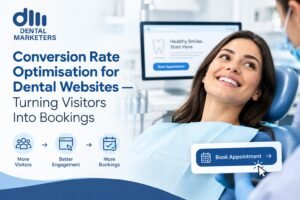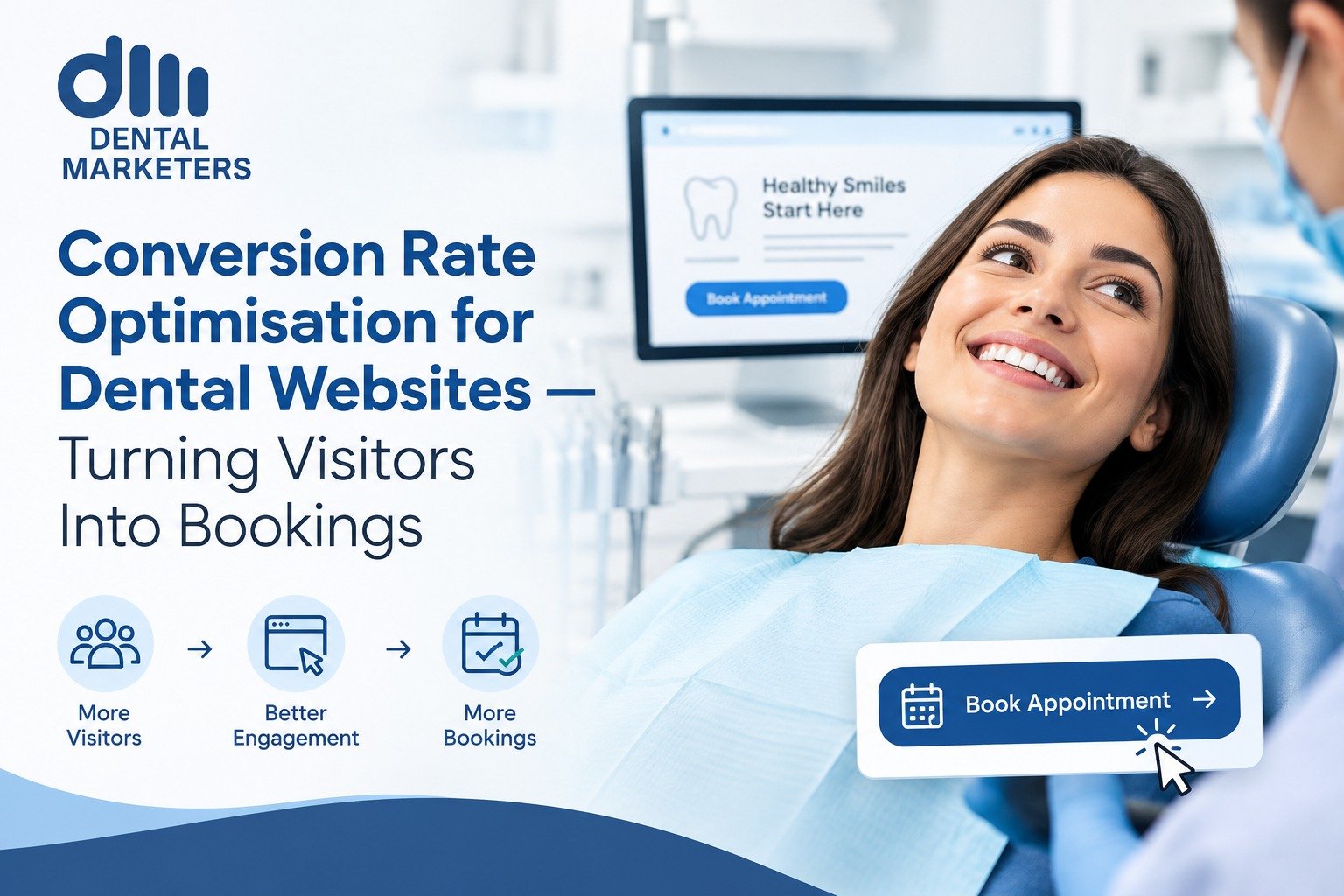
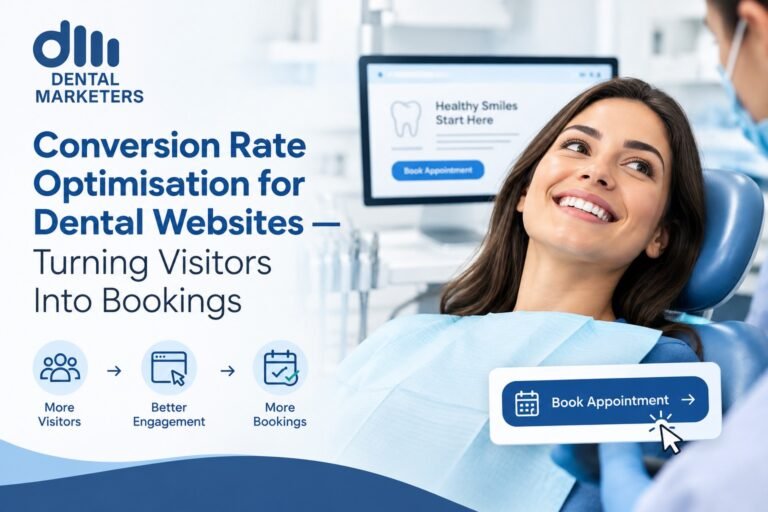
Conversion Rate Optimisation for Dental Websites helps turn website visitors into calls, enquiries and booked appointments. It focuses on clear messages, strong trust signals, simple navigation, mobile usability and an easy booking journey.
A dental website can attract hundreds of visitors but still produce few bookings. The problem may not be your traffic. It may be what happens after people reach your website.
Conversion Rate Optimisation (CRO) helps remove the barriers that stop visitors from taking action. For a dental practice, that action may be calling the practice, sending an enquiry or booking an appointment online.
What Is Conversion Rate Optimisation for Dental Websites?
Conversion Rate Optimisation for Dental Websites is the process of improving a dental website so more visitors take a useful action.
A conversion can include:
- Booking an appointment
- Calling the practice
- Sending an enquiry
- Requesting a consultation
- Using an online booking system
- Contacting the practice about a treatment
The aim is simple. Turn more of the visitors you already have into real patient enquiries and bookings.
CRO does not mean changing everything on a website. Instead, it means finding where visitors struggle and making those areas easier to use.
For example, a visitor may want dental implants but cannot quickly find the treatment page, price information, reviews or booking button. They may leave and search elsewhere.
A well-optimised website gives them clear answers and a clear next step.
Why Does CRO Matter for Dental Websites?
Getting people to your website is only the first part of digital marketing.
Your website also needs to help visitors make a decision.
The American Dental Association recommends reviewing website performance and using website data to understand visitor behaviour. This can include traffic, visitor location, page behaviour and tools such as heat maps.
For a dental practice, CRO can help you:
- Get more value from existing website traffic
- Make important information easier to find
- Reduce confusion during the booking journey
- Increase phone and online enquiries
- Make treatment pages more useful
- Build trust before a visitor contacts the practice
- Improve the experience on mobile devices
- Find pages that lose potential patients
So, CRO is not only about a button.
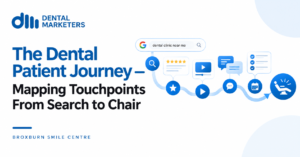
It is about the complete journey from Google search to booked appointment.
How Does Dental Website CRO Work?
A strong CRO process looks at each stage of the patient journey.
The journey can look like this:
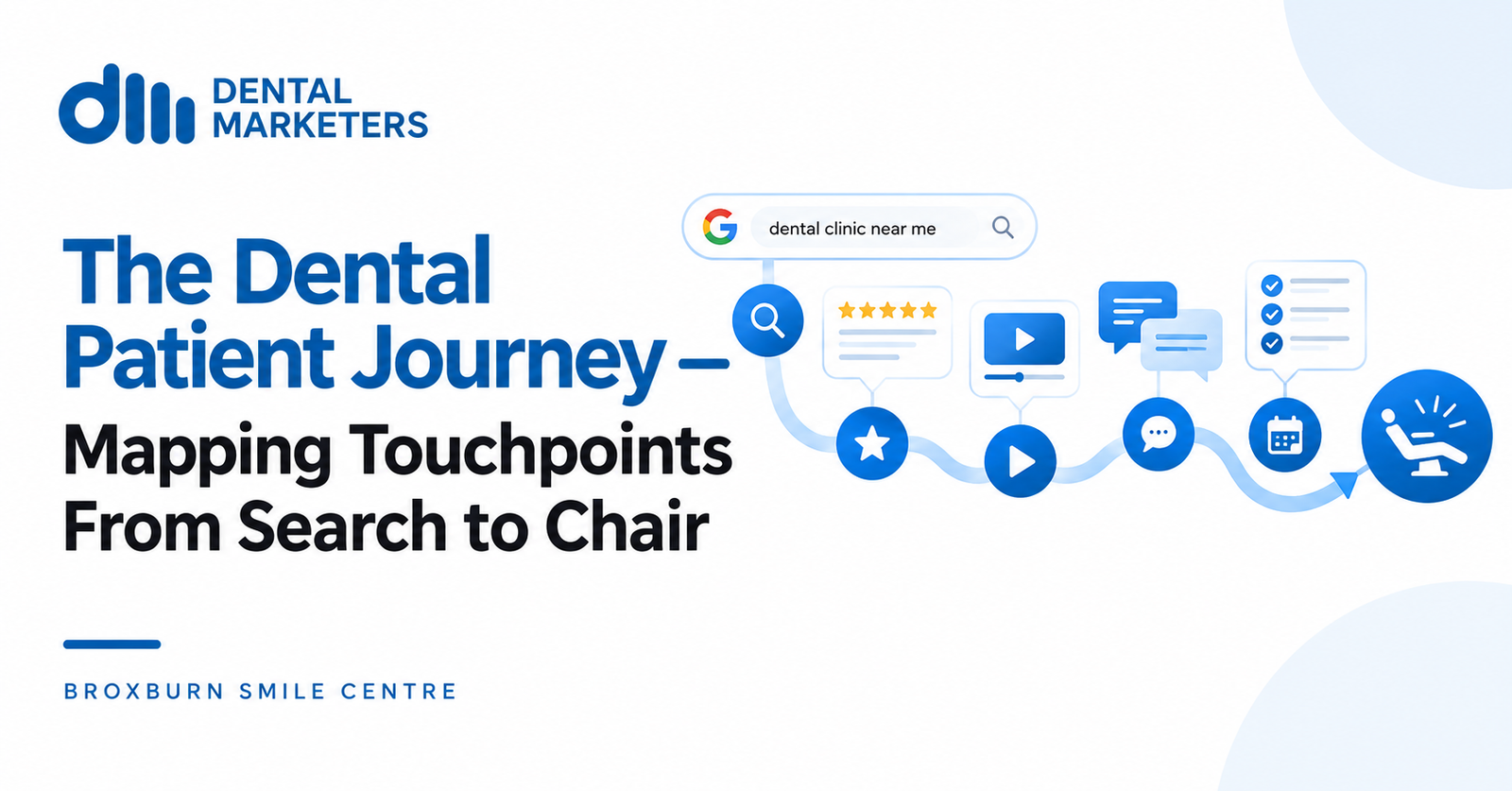
Search → Website → Trust → Treatment Information → Action → Booking
If one stage creates friction, the visitor may leave.
For example, someone searching for an emergency dentist may need a fast answer. They may want to know whether the practice accepts emergency patients, where the practice is located and how quickly they can make contact.
Someone researching dental implants may need more information before booking.
Therefore, different visitors need different information.
1. Understand What Visitors Want
Start with search intent.
Look at the keywords and pages bringing visitors to the website.
Someone searching for:
- Emergency dentist
- Dental implants
- Invisalign
- Teeth whitening
- Composite bonding
- Dental hygienist
- New patient dentist
may have a different reason for visiting.
Your landing page should match that reason.
If someone searches for dental implants, do not send them to a generic homepage if a detailed implant page is available.
Give them the information they came to find.
2. Improve the First Impression
Visitors should understand the practice within a few seconds.
The top section of a page should answer three basic questions:
What do you offer?
Where are you located?
What should I do next?
For example, a treatment page could clearly show:
- The treatment name
- A simple benefit-led explanation
- The practice location
- A clear booking button
- A phone number
- A trust signal such as patient reviews
Avoid filling the first screen with too much text.
The American Dental Association also recommends that dental websites communicate clearly, look professional and focus on the needs of prospective patients.
3. Make Trust Easy to See
Patients may feel unsure before contacting a dentist.
Your website should answer their concerns before they need to ask.
Useful trust signals can include:
- Genuine patient reviews
- Real practice photography
- Dentist and team information
- Treatment explanations
- Clear contact details
- Practice location
- Opening hours
- Frequently asked questions
- Finance information where relevant
- Clear information about what happens next
Reviews can play an important role in the decision process. The ADA notes that many prospective patients use online reviews when evaluating healthcare providers.
However, do not place reviews in one hidden section only.
Use relevant trust signals naturally throughout the patient journey.
4. Make Treatment Pages Work Harder
A treatment page should do more than describe a service.
It should help a visitor decide whether to take the next step.
A strong dental treatment page can include:
Clear treatment explanation
Explain the treatment in simple language.
Avoid unnecessary clinical terms.
Who the treatment may suit
Help visitors understand whether the treatment may be relevant to their needs.
What happens
Explain the basic process.
This can reduce uncertainty.
Expected timescale
Where appropriate, explain how many visits may be involved or how long the process may take.
Common questions
Answer questions about treatment, recovery, suitability, cost and appointments.
Trust signals
Add relevant reviews, team information and real practice details.
Clear CTA
Give visitors an obvious next step.
For example:
Book a Consultation
Request an Appointment
Call the Practice
5. Make Booking Simple
A complicated booking process can lose potential patients.
If visitors decide to book, the process should feel simple.
Check your booking journey from start to finish.
Ask:
- Can visitors find the booking button easily?
- Does it work on mobile?
- Are there too many form fields?
- Is the form easy to understand?
- Can visitors see available appointment options?
- Does the page explain what happens after submission?
- Does the booking system load properly?
- Is there a clear confirmation?
Online appointment booking can also be integrated into a dental website when the practice chooses to offer it.
The goal is to remove unnecessary steps.
Every extra click can create another point where a visitor may stop.
6. Optimise for Mobile Visitors
Many people use their phones when searching for local services.
Your dental website should work well on smaller screens.
Check:
- Text size
- Button size
- Menu navigation
- Page speed
- Phone number visibility
- Booking forms
- Images
- Pop-ups
- Sticky navigation
The ADA recommends responsive websites that work across computers, tablets and smartphones. It also notes that users may leave websites that do not load promptly or work properly.
Make mobile testing part of your regular CRO process.
Do not assume that a website that looks good on a desktop works equally well on a phone.
7. Make Your Calls Easier
Not every visitor wants to use an online form.
Some people prefer to call.
Your phone number should therefore be easy to find.
Place it in useful locations such as:
- The header
- Contact page
- Treatment pages
- Mobile navigation
- Booking sections
Also consider what happens after the visitor calls.
CRO should not stop at the website.
Track which calls become new patient appointments. The ADA recommends tracking patient calls and asking new callers how they found the practice.
This helps connect website activity with real enquiries.
8. Improve Website Speed and User Experience
A slow website can create friction.
Visitors do not want to wait for large images, complicated animations or unnecessary features to load.
Keep pages focused.
Compress large images.
Remove features that do not help visitors.
Check important pages regularly.
Google also provides guidance around page experience and Core Web Vitals, including Interaction to Next Paint (INP), which is now a Core Web Vital.
Speed is not just a technical issue.
It affects the experience people have when trying to find information or book an appointment.
9. Use Clear Calls to Action
A call to action tells visitors what to do next.
Weak CTAs can create uncertainty.
For example:
Learn More
may not be as clear as:
Book a Consultation
Good CTAs should match the visitor’s intent.
Use actions such as:
- Book an Appointment
- Request a Consultation
- Call the Practice
- Enquire About Dental Implants
- Book a New Patient Appointment
Do not cover every section with different CTAs.
Keep the main action clear.
10. Test Before You Make Big Changes
CRO should use evidence.
Do not change a page simply because you prefer a different design.
Look at:
- Website traffic
- Landing pages
- Phone calls
- Booking clicks
- Form submissions
- Online bookings
- Booking completion
- Mobile behaviour
- Exit pages
You can then test changes.
For example, you could test:
Version A: “Book an Appointment”
Version B: “Book Your Consultation”
Measure what happens.
Over time, these small tests can reveal where visitors respond best.
Google also recommends using structured information and clear website content to help it understand pages and their purpose.
Key Benefits of Dental Website CRO
A good CRO strategy can improve several parts of your marketing.
More useful website traffic
You get more value from people already reaching your website.
Better patient experience
Visitors can find answers with less effort.
More enquiries
Clear pages and CTAs can make it easier for visitors to contact the practice.
Easier bookings
A simpler booking path removes unnecessary barriers.
Better marketing data
Tracking calls, forms and bookings helps you understand what works.
Stronger treatment pages
Each service can guide visitors towards a relevant next step.
Common Dental Website CRO Mistakes
Avoid these common problems:
Too many choices
Too many buttons and links can make the next step unclear.
Weak treatment pages
A page with only a short service description may not answer important patient questions.
Hidden contact details
Visitors should not have to search for a phone number.
Complicated forms
Only ask for information that you really need at that stage.
Poor mobile design
A website that works well on desktop may still create problems on mobile.
No measurement
Without tracking, you cannot clearly see which pages create enquiries.
Focusing only on traffic
More visitors do not automatically mean more bookings.
The real question is what those visitors do after they arrive.
Dental Website CRO Checklist
Use this quick checklist when reviewing your website:
- Is the main message clear?
- Can visitors find the phone number quickly?
- Is the booking button easy to see?
- Do treatment pages answer common questions?
- Are reviews easy to find?
- Is the website mobile-friendly?
- Does the booking journey work?
- Are forms short and simple?
- Do pages load quickly?
- Are location and opening hours clear?
- Are calls and bookings tracked?
- Does each important page have a clear next step?
If several answers are “no”, there may be clear CRO opportunities on the website.
How CRO and SEO Work Together
SEO brings relevant visitors to your website.
CRO helps those visitors take action.
They should work together.
For example, a well-optimised dental implant page can target relevant search terms while also answering patient questions and guiding visitors towards a consultation.
Do not write pages only for search engines.
Write useful pages for people first.
Google’s guidance also stresses creating useful, clear content and making pages understandable to both users and search systems.
The best approach connects search intent, useful content and a clear conversion path.
FAQs
What is CRO for a dental website?
CRO means improving a dental website so more visitors take useful actions, such as calling, submitting an enquiry or booking an appointment.
How can I increase dental website bookings?
Start by improving your key treatment pages, CTAs, trust signals, mobile experience and booking process. Then track results and test changes.
Does CRO help SEO?
CRO and SEO have different goals, but they can support each other. SEO helps attract relevant visitors, while CRO helps those visitors use the website.
What should a dental website CTA say?
Use clear action words. Examples include “Book an Appointment”, “Request a Consultation” and “Call the Practice”.
Should dental websites have online booking?
Online booking can make it easier for visitors to request appointments. The booking system should be simple, mobile-friendly and easy to complete.
How do I measure dental website conversions?
Track actions such as phone calls, booking clicks, form submissions, online bookings and completed appointments. Website analytics can help you understand visitor behaviour.
CTA: Turn More Dental Website Visitors Into Bookings
Your website should do more than look professional.
It should help potential patients take the next step.
Dental Marketers can help dental practices review their website journey, identify conversion barriers, and improve the pages that matter most. From treatment pages and CTAs to mobile usability and booking journeys, every part of the website should make it easier for the right visitor to take action.
Also read: The Dental Patient Journey: Search to Chair Mapped